Checklinx

Checklinx is designed to service any industry, business or organisation with assets. This could be large construction companies, equipment hire businesses, or even small kitchens that need to keep assets well maintained and compliant.

How it works

Super Simple Menu

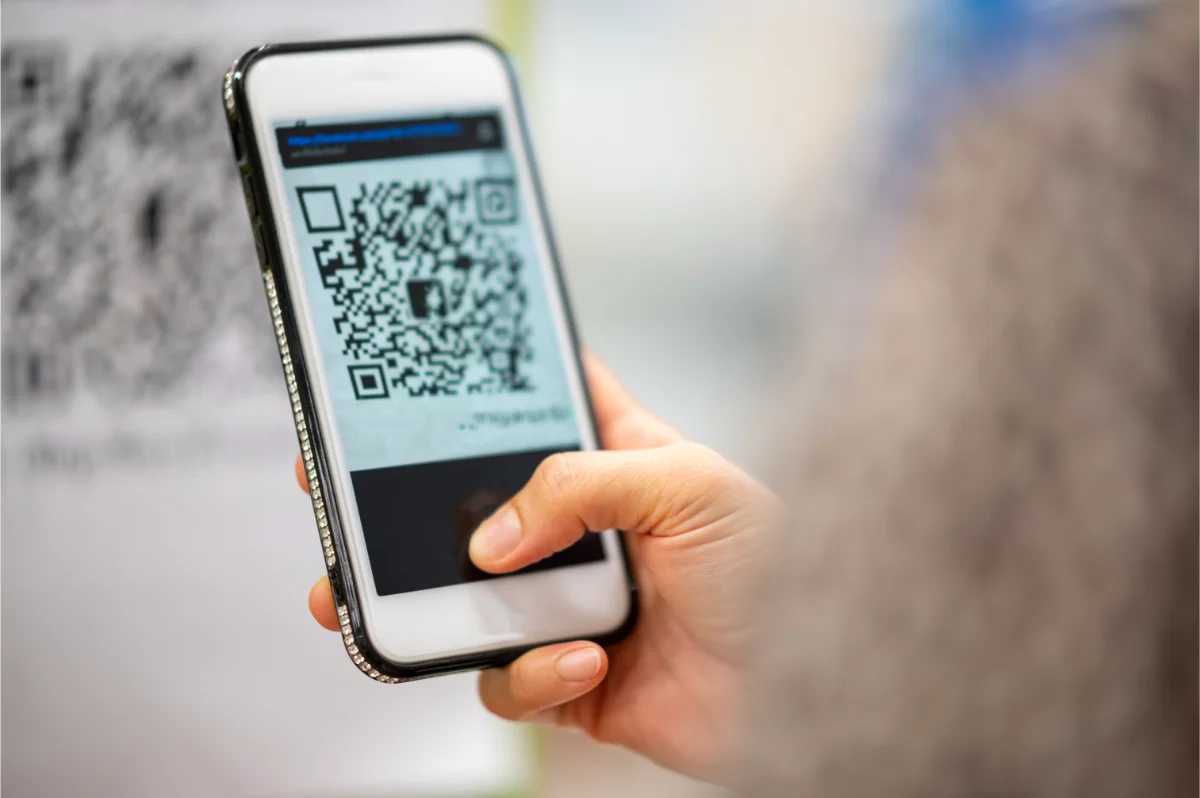
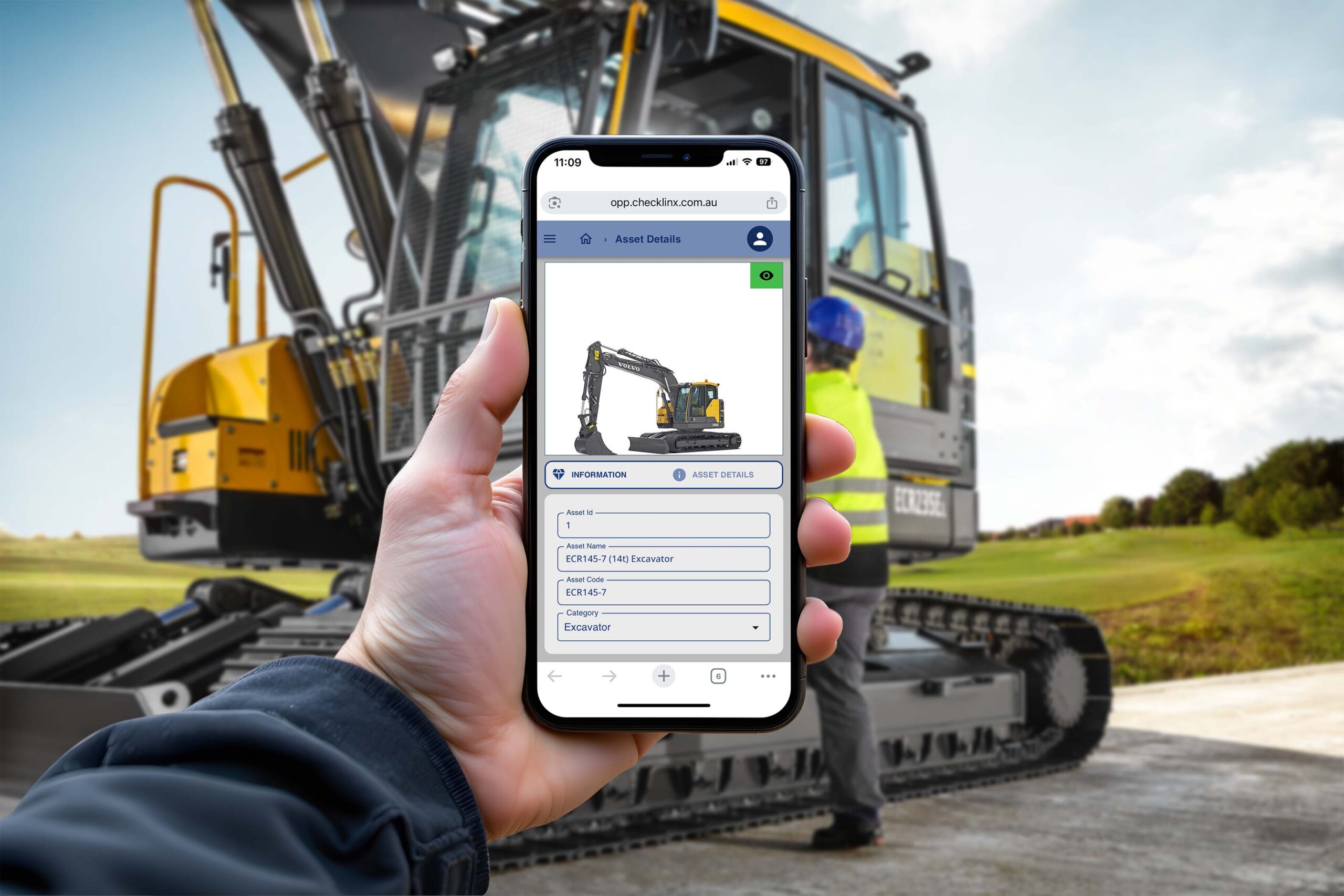
Simply scan the QR code on your asset to instantly access an easy-to-use menu, displaying options to access asset information, checklists, inspection history or fault reporting. Access anywhere from the convenience of your own device.
Features

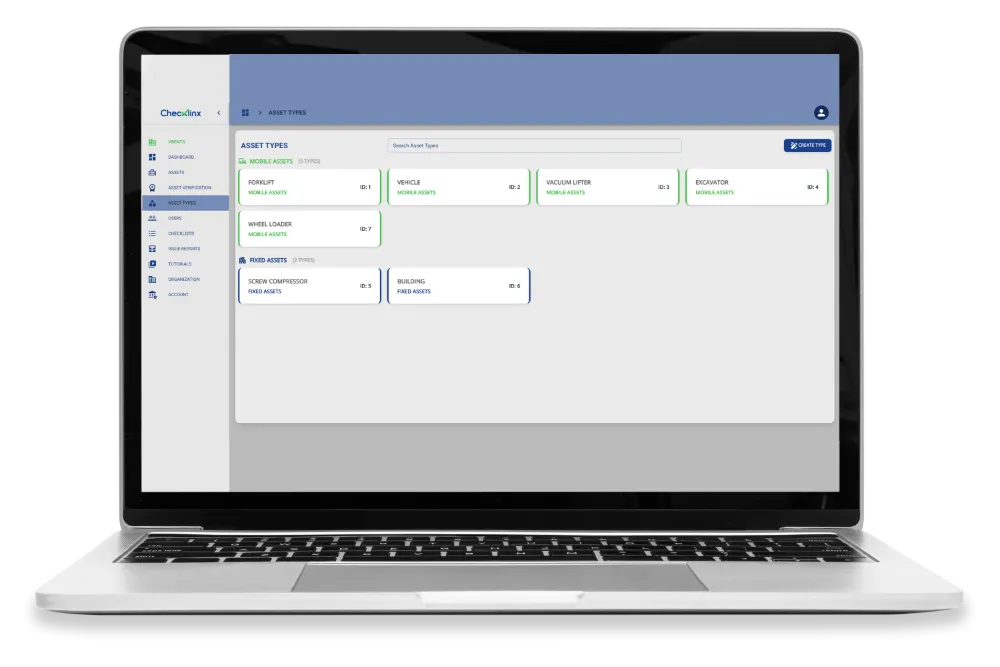
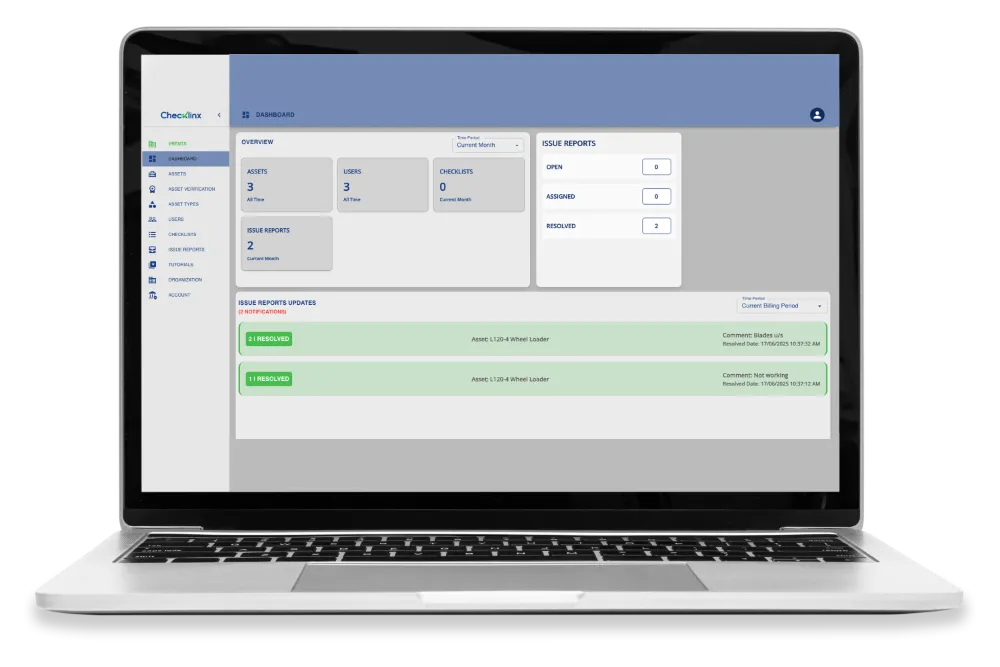
Checklinx manages your assets remotely from a single platform.

Fault Reporting

Faults recorded during the use of an asset are instantly communicated to the right people. Making sure things get fixed faster and quicker, reducing down time.
Checklists

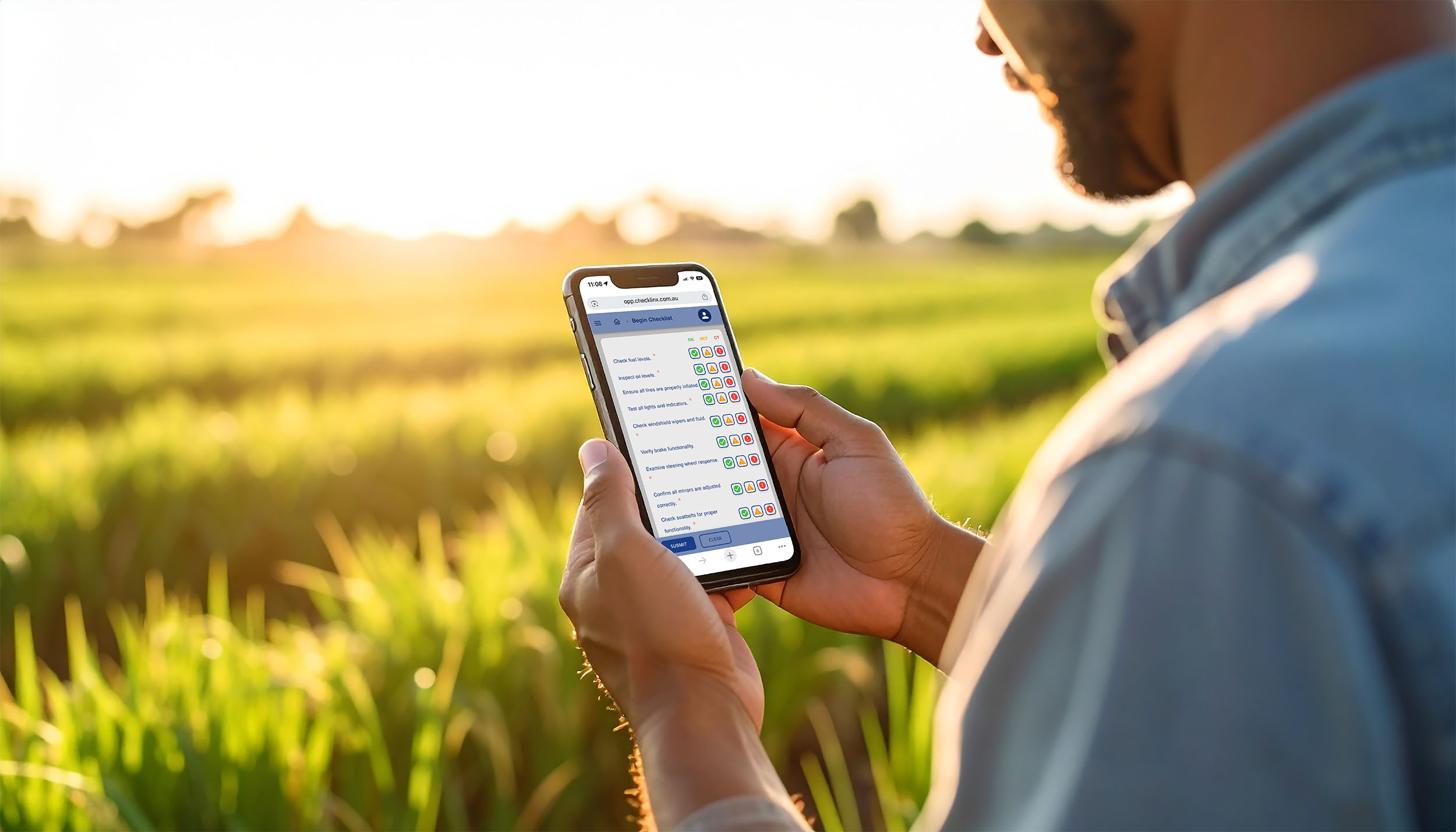
Users carry out checklists specific to the asset as required. The completed checklists are visible to other users, asset managers provide an up-to-date status of the asset. Any faults recorded during the use of an asset are instantly reported to the delegated people. No more crumpled paper to keep track of things or “enter at a later date” approaches.
Visibility

Simply scan the QR code on your asset to instantly access up to date operating instructions, risk assessments, maintenance history, safety bulletins, user and maintenance manuals and any other technical information. No need to make endless phonecalls to find out what’s going on with your assets.

Get Started

Checklinx Users

Checklinx can be used at multiple points in your organisation. Whether you’re on the road operating equipment, or back in the office making sure everything is running smoothly, you’ll find what you’re looking for.

Asset Owners

People who manage assets and need to ensure assets are well maintained, and compliant.
External Service Providers

People who service and maintain assets that need to ensure everything has been checked off correctly, and the asset is operating at a high standard.

Supervisors

People who manage the use of the assets, and need to ensure they are being used correctly and safely.

Users

The operator of the asset itself, most likely to carry out checklists and report faults if they occur. They also refer to documentation on operation for safety and efficient operation.
External Auditors, Compliance, Safety

Anyone who needs to check and confirm the output of checklists, compliance reports and ensure safety requirements are being met.

Industries

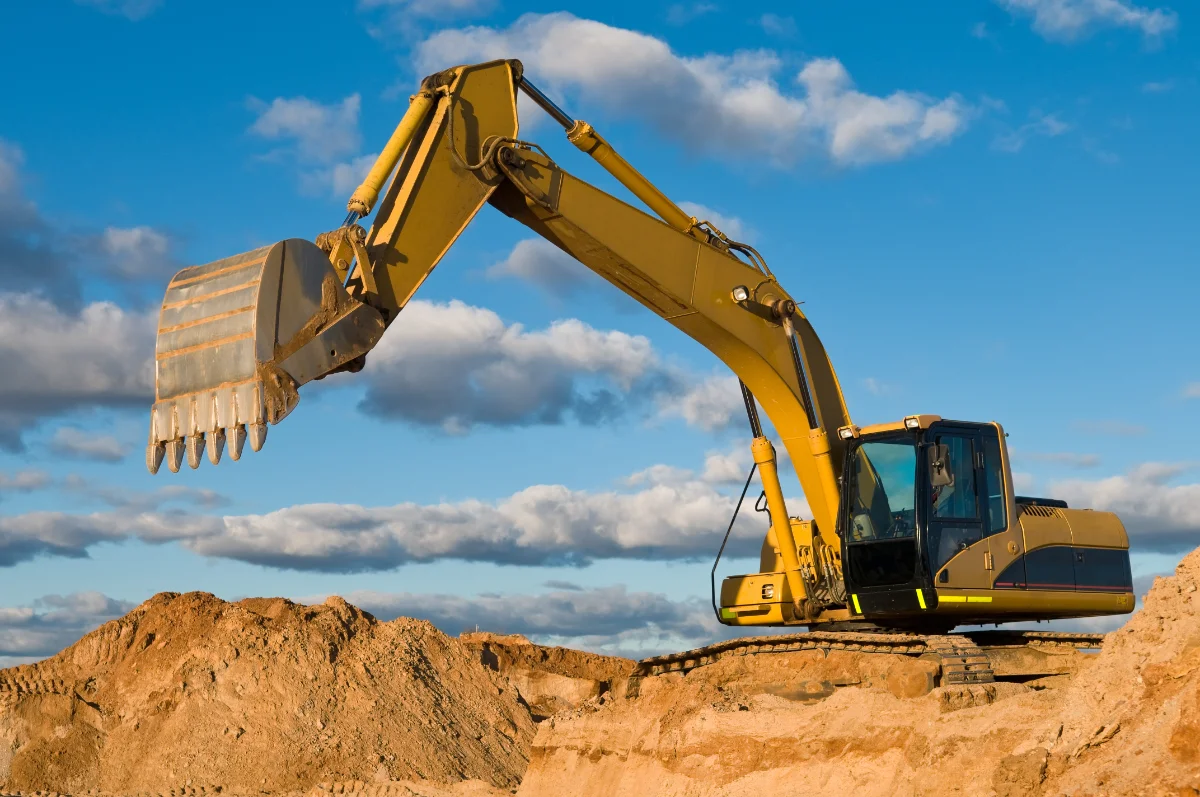
Checklinx can be used in any industry with assets that need to be checked, maintained and used in accordance with safety requirements and the manufacturer’s specifications.

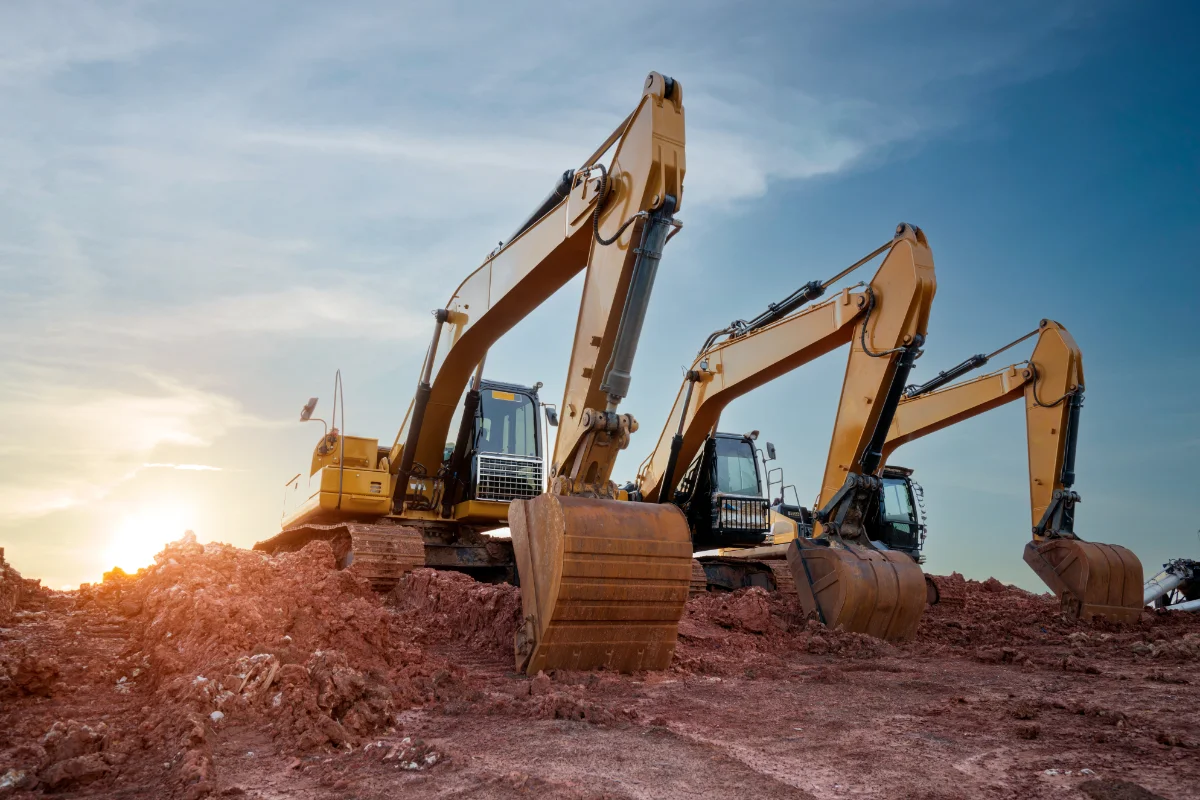
Mining & Construction

Infrastructure

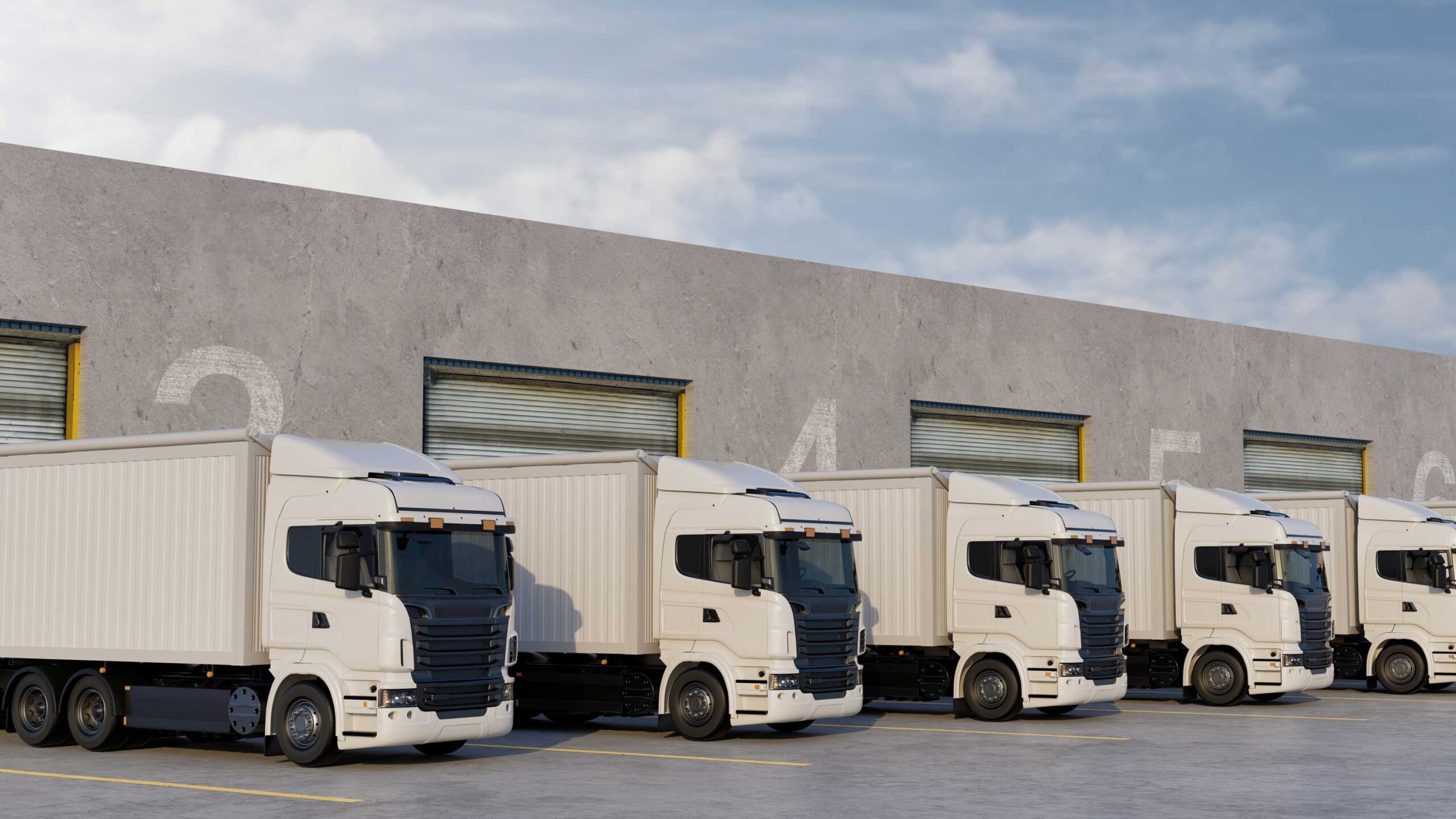
Transport & Logistics

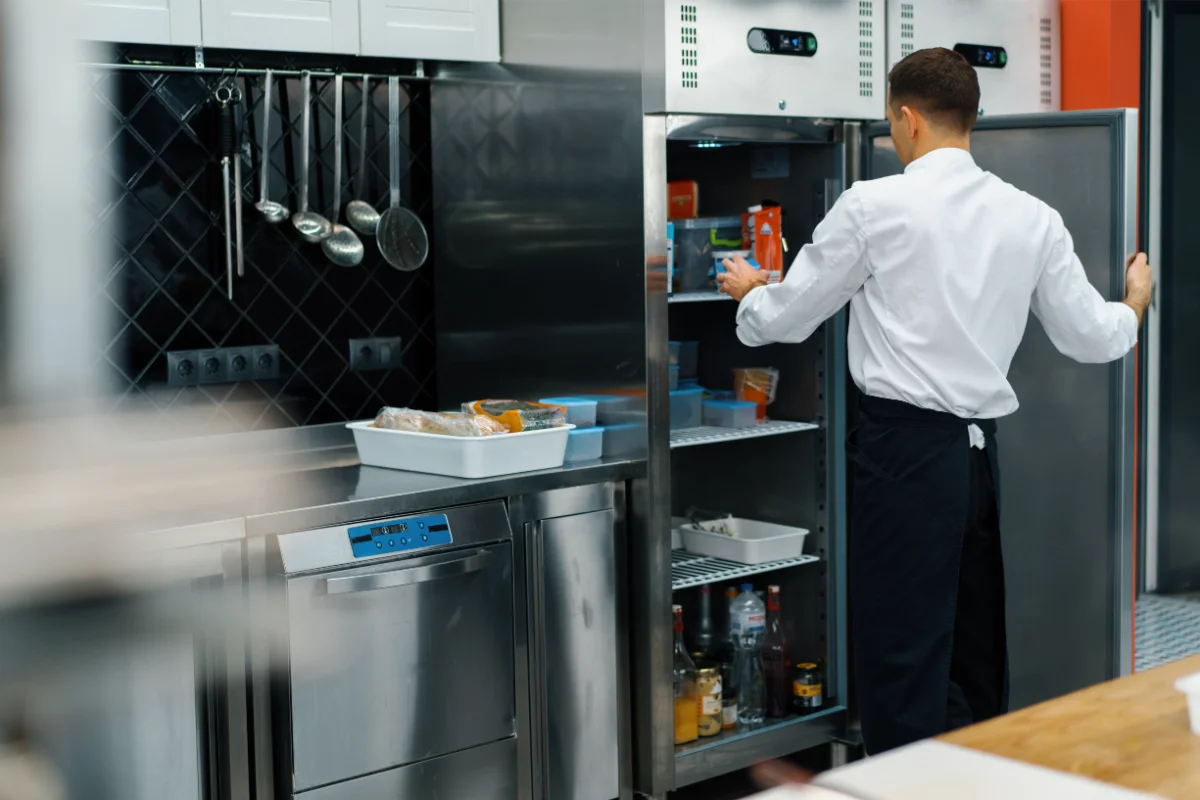
Hospitality

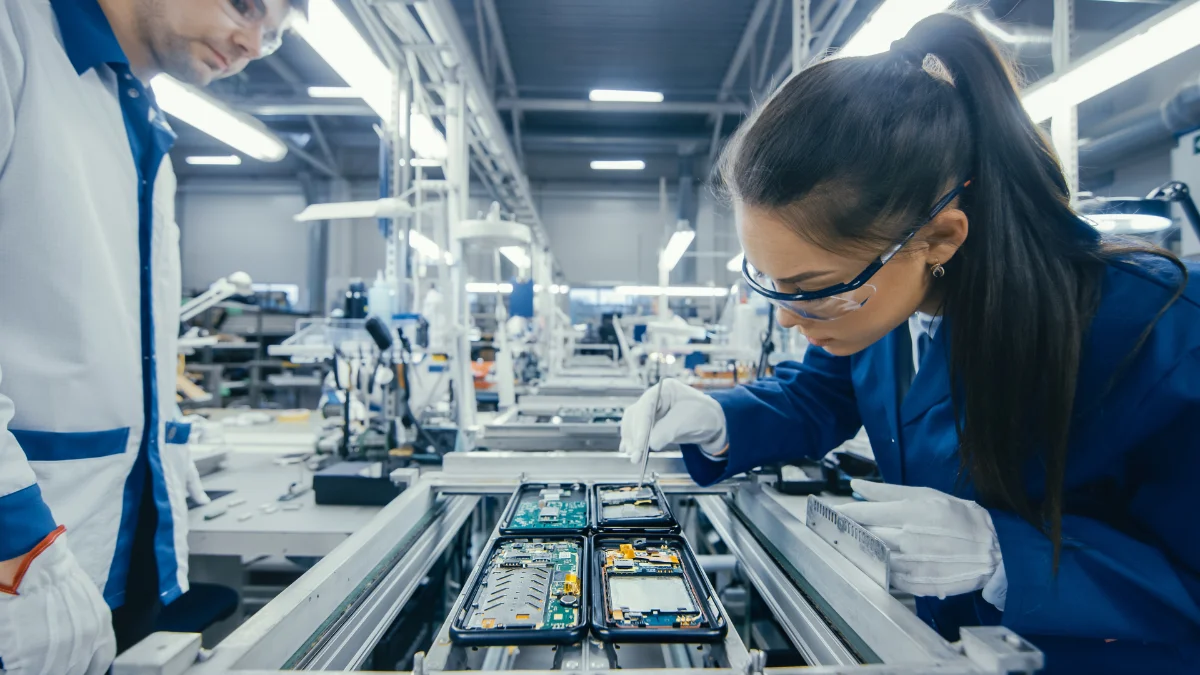
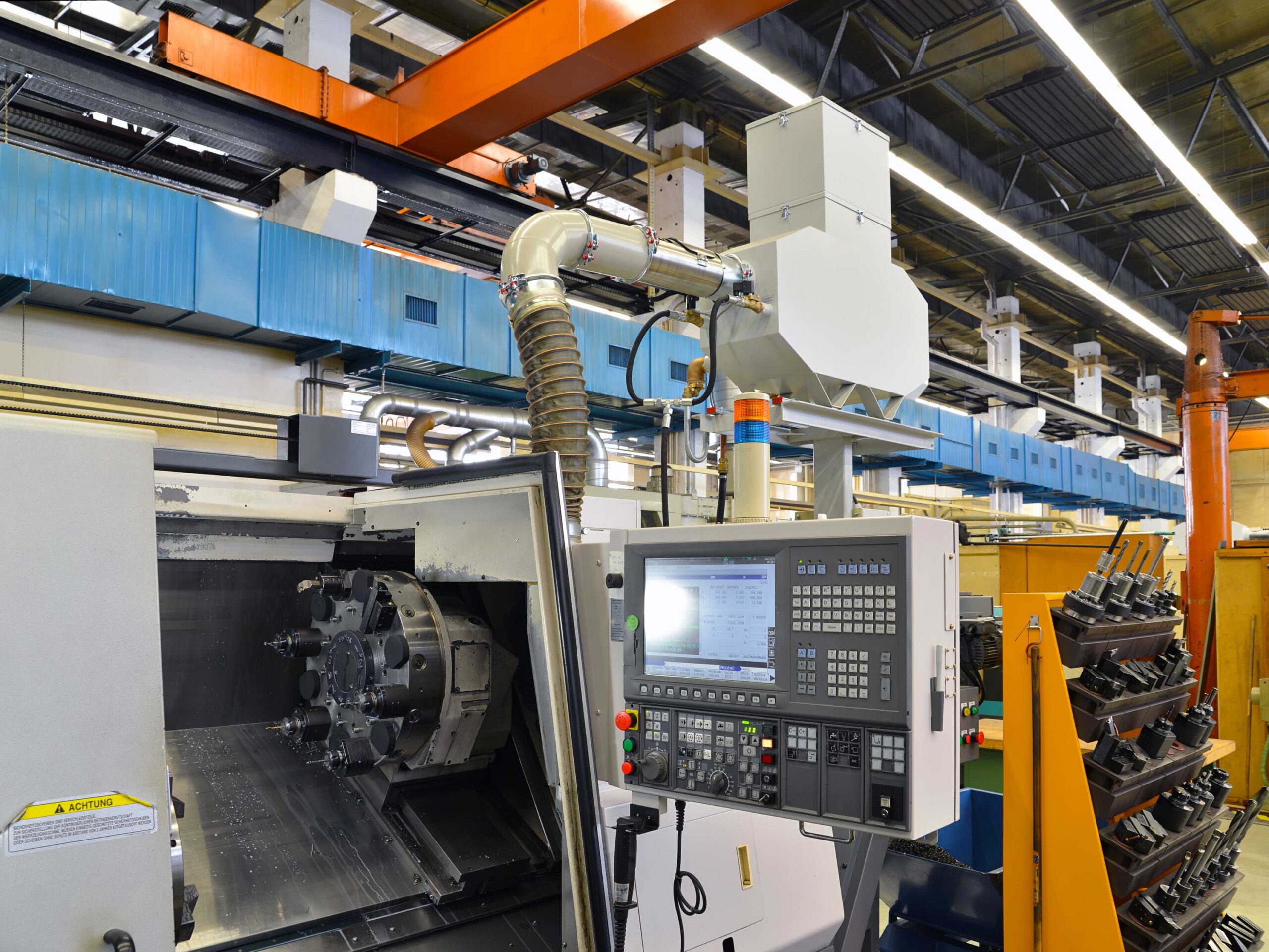
Manufacturing

Fixed Asset Management

Agriculture

FAQs

Checklinx can be used where you have any asset that needs to be checked and maintained.

Checklinx can be set up and running in as little as 30 minutes from registration.

There is no limit on the assets you can add.

Simply label, drag and drop your documents into the assets folder.

There is a monthly fee for maintaining your account plus a small fee for each transaction. An example of a transaction is the submission of a checklist or the reporting of a fault.

We recommend using the assets manufacturer checklist or an industry-standard checklist. You can create a checklist using the in-built AI checklist generator in Checklinx. If you put in the make, model and serial number of your asset, as well as how many items you would like to check, it will create the checklist for you.

Checklinx logo